If you run a WordPress website, implementing WordPress security best practices is no longer optional — it’s a critical part of running any online presence. In 2026, WordPress powers over 43% of all websites on the internet, making it the single most targeted platform by cybercriminals. Whether you’re a blogger, a small business owner, or an agency managing client sites, failing to protect your WordPress site can result in data breaches, malware infections, SEO penalties, and complete loss of access. This guide walks you through the most effective, up-to-date strategies to harden your WordPress website — from enabling two-factor authentication to choosing the right WordPress security plugins and ensuring full GDPR compliance.
Why WordPress Security Best Practices Matter More Than Ever
The threat landscape has evolved dramatically. Automated bots scan the web around the clock, probing WordPress sites for outdated plugins, weak passwords, and missing SSL certificates. According to Wordfence’s Security Reports, millions of WordPress sites are attacked every single day. A single compromised site can lead to customer data theft, blacklisting by Google, and irreparable damage to your brand’s reputation.
What makes WordPress security particularly complex is that threats come from multiple angles: brute-force login attempts, SQL injection via vulnerable plugins, cross-site scripting (XSS), and even server-level exploits from shared hosting environments. This is why a layered security approach — combining multiple WordPress security best practices — is the only reliable way to stay protected.
Start with the Basics: Install an SSL Certificate on Your WordPress Site
Before anything else, your WordPress site needs a valid SSL certificate. An SSL certificate encrypts the data transmitted between your website and its visitors, ensuring that login credentials, form submissions, and payment information cannot be intercepted. In 2026, Google actively penalises sites without HTTPS in search rankings, making an SSL certificate not just a security measure but an SEO necessity.
Most reputable hosting providers offer free SSL certificates through Let’s Encrypt. Once installed, make sure all your WordPress URLs redirect from HTTP to HTTPS by updating your WordPress address settings and using a plugin like Really Simple SSL. This single step dramatically reduces your exposure to man-in-the-middle attacks and builds immediate visitor trust.
Enable Two-Factor Authentication to Lock Down WordPress Logins
Weak or stolen passwords remain the number one cause of WordPress hacks. Enabling two-factor authentication (2FA) on your WordPress login adds a critical second verification step — even if a hacker knows your password, they cannot access your site without the second factor, which is typically a time-sensitive code sent to your phone or generated by an authenticator app like Google Authenticator or Authy.
To enable two-factor authentication on WordPress, use a dedicated plugin such as WP 2FA, miniOrange, or Wordfence Login Security. These plugins allow you to enforce 2FA for all users or specific roles such as administrators and editors. This is especially important for multi-author sites where multiple people have access to the backend. Also see our guide on Multi-Factor Authentication for WordPress accounts for a detailed step-by-step setup.
Best WordPress Security Plugins to Protect Your Site in 2026
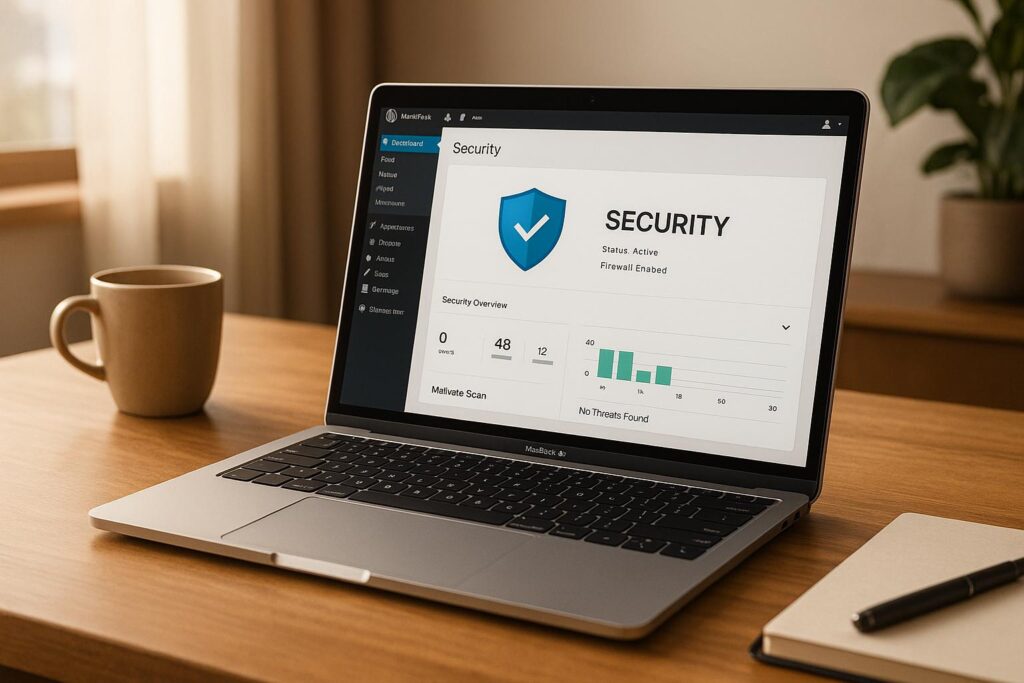
The right WordPress security plugins act as your site’s immune system — constantly monitoring for threats, blocking malicious traffic, and alerting you to vulnerabilities before they are exploited. Here are the top WordPress security plugins every site owner should consider:
- Wordfence Security – The most widely used WordPress security plugin, offering a web application firewall (WAF), malware scanner, live traffic monitoring, and brute-force attack protection.
- Sucuri Security – Provides cloud-based DDoS protection, a powerful firewall, post-hack security actions, and security hardening for WordPress sites.
- iThemes Security Pro – Focuses on hardening WordPress login security with features including two-factor authentication, strong password enforcement, and login attempt limiting.
- All In One WP Security & Firewall – A user-friendly plugin with a security strength meter, firewall rules, and database backup tools ideal for beginners.
- MalCare Security – Features one-click malware removal and an intelligent firewall that learns from global attack data across millions of WordPress sites.
For a comprehensive comparison of the top options available right now, be sure to read the guide: 10 Essential WordPress Security Plugins for 2025 on WPCOKE — it covers features, pricing, and ideal use cases for each plugin.
Keep WordPress Core, Themes, and Plugins Updated
One of the most overlooked but most critical WordPress security best practices is keeping everything updated. Outdated WordPress core versions, themes, and plugins are the most common entry points for hackers. Security vulnerabilities are discovered regularly, and developers release patches quickly — but only those who update their sites benefit from those fixes.
Enable auto-updates for minor WordPress core releases and trusted plugins. For major core updates, test them in a staging environment first. Delete any themes or plugins you are not actively using — inactive plugins still present a security risk if they contain vulnerabilities. Keeping your WordPress security tight through timely updates is the simplest and most cost-effective protection available.
Protect Your WordPress Database
Your WordPress database stores everything — posts, user credentials, plugin settings, and personal data. Protecting it is fundamental to overall WordPress security. Start by changing the default database table prefix from “wp_” to something unique during installation, as attackers use automated scripts that target the default prefix in SQL injection attempts.
Regularly cleaning and optimising your database also reduces your attack surface and improves performance. Remove spam comments, post revisions, transients, and orphaned data on a scheduled basis. The Ultimate Guide to WordPress Database Optimization on WPCOKE provides a thorough walkthrough of database hygiene as part of a complete WordPress security strategy.
Set Up Automated Backups as Your Last Line of Defence
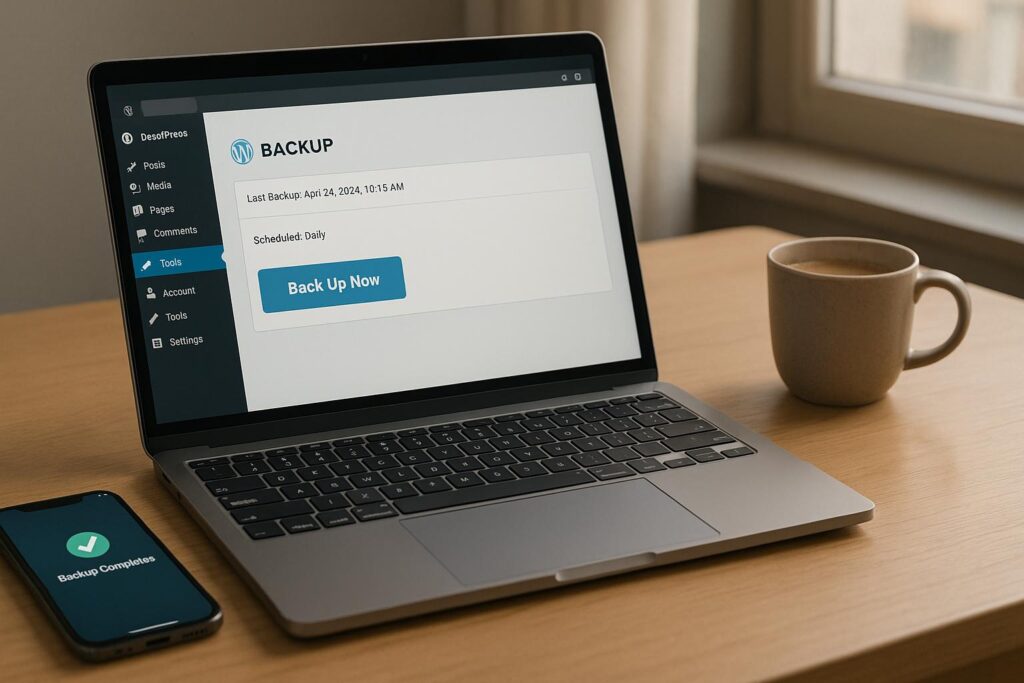
No matter how many WordPress security best practices you implement, no system is 100% immune. Automated backups are your insurance policy — if the worst happens, a recent backup lets you restore your site quickly and minimise damage. Schedule daily or even hourly backups for high-traffic sites, and always store backup copies offsite, such as in Google Drive, Dropbox, or Amazon S3.
Popular backup solutions for WordPress include UpdraftPlus, BackupBuddy, and Jetpack Backup. Each supports scheduled automatic backups with offsite storage. When evaluating options, consider storage location, frequency, restore ease, and compatibility with your hosting provider. Read the full Checklist for Choosing a WordPress Backup Plugin to make an informed decision.
GDPR Compliance and WordPress Security: What You Need to Know
If your WordPress site collects data from users in the European Union — even just an email address via a contact form — you must ensure GDPR compliance. The General Data Protection Regulation (GDPR) requires that you collect only necessary data, provide users with the ability to access or delete their data, and protect that data against breaches through appropriate technical measures.
From a WordPress security standpoint, GDPR compliance means encrypting personal data at rest and in transit (your SSL certificate covers the latter), implementing access controls so only authorised users can view sensitive data, and maintaining a clear privacy policy. Plugins like Complianz, CookieYes, and WP GDPR Compliance make it easier to meet these obligations without heavy development work. GDPR compliance is not just a legal requirement — it also signals to your users that you take their privacy and WordPress security seriously, building long-term trust.
Restrict User Access and Manage WordPress Permissions
Not every user on your WordPress site needs access to everything. Applying the principle of least privilege — giving users only the permissions they actually need — is a fundamental WordPress security best practice. Use WordPress’s built-in user roles (Subscriber, Contributor, Author, Editor, Administrator) carefully and avoid assigning Administrator access unless absolutely necessary.
For media files, implementing role-based restrictions prevents unauthorised users from accessing or deleting important files. The WPCOKE guide on How to Restrict Media Access by User Roles provides a practical approach to locking down file access as part of a broader WordPress security framework. When combined with two-factor authentication and strong password policies, role management dramatically reduces your internal threat exposure.
WordPress Security Best Practices Checklist for 2026
Use this quick reference checklist to audit your site’s current WordPress security posture:
- Install an SSL certificate and force HTTPS sitewide
- Enable two-factor authentication for all administrator and editor accounts
- Install a reputable WordPress security plugin (Wordfence, Sucuri, or iThemes)
- Keep WordPress core, all themes, and all plugins updated
- Change the default database table prefix from “wp_” to a custom string
- Set up automated offsite backups with a tested restore process
- Ensure GDPR compliance with a privacy policy and data handling procedures
- Restrict user access using the principle of least privilege
- Disable XML-RPC if you don’t use remote publishing tools
- Use a web application firewall (WAF) to block malicious traffic
- Limit login attempts and implement CAPTCHA on login forms
- Regularly scan your site for malware using your WordPress security plugin
Conclusion: Make WordPress Security Best Practices a Priority
Protecting your website is not a one-time task — it’s an ongoing commitment. By consistently applying these WordPress security best practices, you significantly reduce your risk of being hacked, ensure GDPR compliance, and build a foundation of trust with your visitors and customers. Start today by auditing your current setup against the checklist above and addressing any gaps.
Whether you’re enabling two-factor authentication for the first time, selecting the right WordPress security plugins, or ensuring your SSL certificate is properly configured, every step you take makes your site harder to compromise. The goal is not perfection — it’s making your WordPress site a significantly less attractive target than the millions of unprotected sites out there. Stay consistent, stay updated, and you’ll stay secure.